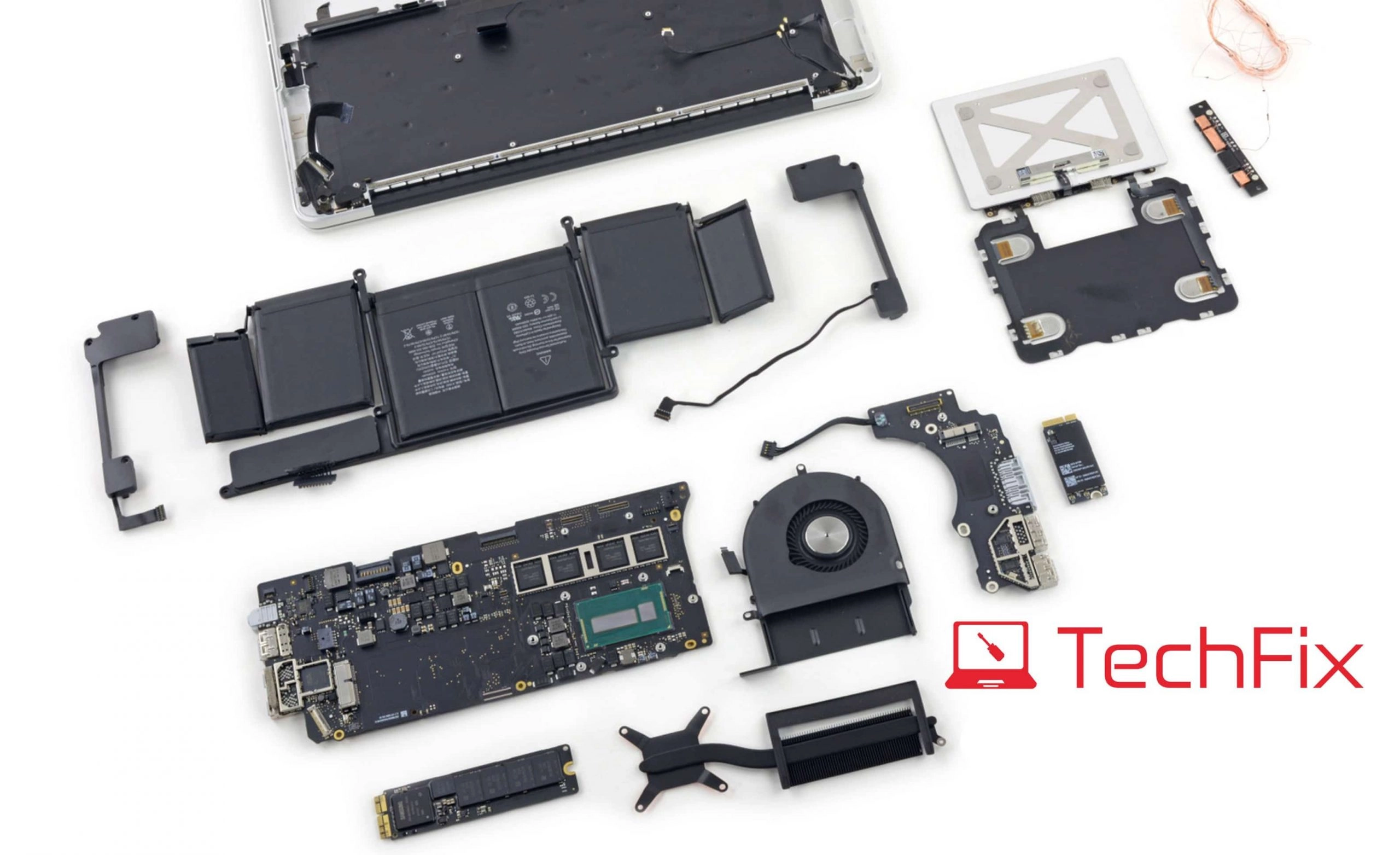
Diagnose and fix common MacBook issues with our expert troubleshooting guide. From startup problems to battery drain, learn when to DIY and when to seek professional help.
Common MacBook Problems: Troubleshooting Guide
MacBooks are reliable machines, but issues can arise. This comprehensive guide covers the most common problems and their solutions.
1. MacBook Won't Turn On
Possible Causes:
- Battery completely drained
- Power adapter issue
- SMC needs reset
- Hardware failure
DIY Solutions:
- Connect to power and wait 5 minutes
- Try a different charger
- Perform SMC reset (hold Shift+Control+Option+Power for 10 seconds)
- Try NVRAM reset (hold Option+Command+P+R during startup)
When to Seek Help: If none of these work, bring to Techfix for free diagnosis.
2. Slow Performance
Possible Causes:
- Insufficient RAM
- Storage nearly full
- Too many startup items
- Outdated macOS
DIY Solutions:
- Check storage (keep 10%+ free)
- Close unused applications
- Reduce startup items
- Update macOS
Professional Solution: Consider RAM or SSD upgrade at Techfix.
3. Battery Draining Fast
Possible Causes:
- Background apps
- Display brightness
- Battery degradation
- Software bugs
DIY Solutions:
- Check Activity Monitor for energy hogs
- Reduce brightness
- Enable battery percentage to monitor
- Check battery health in System Preferences
When to Replace: If battery health is below 80%, visit Techfix for replacement.
4. Overheating
Possible Causes:
- Blocked vents
- Dust buildup
- Intensive applications
- Fan malfunction
DIY Solutions:
- Ensure proper ventilation
- Use on hard, flat surfaces
- Close resource-heavy applications
- Check fan operation
Professional Service: Techfix offers internal cleaning and thermal paste replacement.
5. Keyboard Issues
Possible Causes:
- Dust under keys
- Liquid damage
- Butterfly mechanism failure (2016-2019 models)
DIY Solutions:
- Clean with compressed air
- Gently clean with soft brush
Professional Repair: Keyboard replacement at Techfix from RM 300.
When to Visit Techfix
- DIY solutions don't resolve the issue
- Problem persists or worsens
- You're unsure about the cause
- Hardware repair is needed
Free Diagnosis Available
📍 Sunway: G-06-28, Level 6, Block G, Sunway Geo Avenue 📍 Cyberjaya: A-G-06, CoPlace 2, Jalan Usahawan 📞 WhatsApp: 017-355 5725