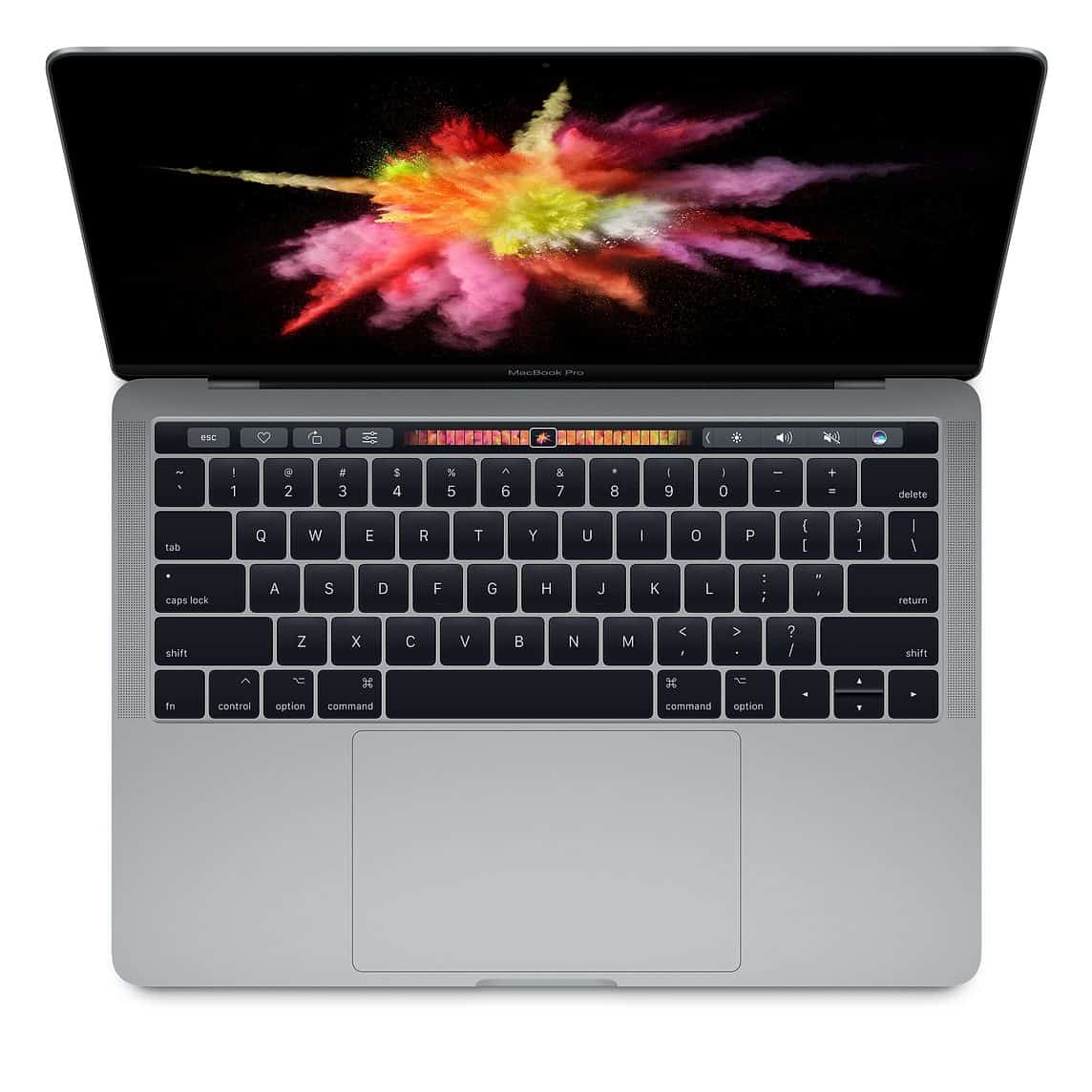
Spilled coffee or water on your Mac? STOP! Don't put it in rice. Follow these immediate emergency steps to save your logic board and data.
Emergency Guide: Spilled Liquid on MacBook?
Time is critical. Corrosion begins within minutes. What you do in the next hour determines if your RM 5,000 MacBook survives or becomes a paperweight.
IMMEDIATE STEPS (Do This NOW)
- FORCE SHUT DOWN: Hold the power button for 10 seconds immediately. Do not try to save your word doc. Just kill the power.
- UNPLUG EVERYTHING: Remove charger, USB drives, dongles.
- TENT MODE: Open the laptop 90 degrees and flip it upside down (like a tent) on a towel. This directs liquid away from the logic board.
- DO NOT TURN IT ON: Even if it looks dry, liquid is trapped under the keyboard and chips. Turning it on causes a short circuit.
The "Rice" Myth
DO NOT USE RICE. Rice dust enters the ports and creates a clay-like sludge when mixed with liquid. It does nothing to remove sticky residue (sugar from coffee/soda) which causes conductive corrosion.
Why "It Works Fine" is a Trap
Often, a MacBook will work for 2 days after a spill, then die forever. Why?
- Electrolysis: As long as electricity flows through wet components, metals dissolve.
- Gunk: Sugar dries into a conductive paste that shorts pins.
Professional Chemical Cleaning
At Techfix, we perform an Ultrasonic Bath treatment:
- Disassembly: Logic board removed.
- Ultrasonic Cleaning: Using specialized electronics cleaner to vibrate corrosion out from under chips.
- Alcohol Bath: 99.9% Isopropyl Alcohol to displace water.
- Micro-soldering: Replacing burnt capacitors or fuses.
Success Rates
- Brought in within 24 hours: 90% Success Rate.
- Brought in after 1 week: 50% Success Rate.
- Turned on while wet: 30% Success Rate.
Don't wait. Bring it in for emergency service.
📍 Sunway Geo Avenue | 📞 017-355 5725