Complete guide to MacBook keyboard replacement in Malaysia. Understand butterfly vs Magic Keyboard issues, costs, and repair options.
MacBook Keyboard Replacement: Complete Malaysia Guide
MacBook keyboards have evolved significantly, from the problematic butterfly mechanism to the improved Magic Keyboard. Here's everything you need to know about MacBook keyboard repairs in Malaysia.
MacBook Keyboard Replacement Costs
| MacBook Model | Keyboard Type | Replacement Cost |
|---|---|---|
| MacBook Air (2018-2019) | Butterfly | RM 450 - RM 600 |
| MacBook Air (2020+) | Magic | RM 400 - RM 550 |
| MacBook Pro 13" (2016-2019) | Butterfly | RM 500 - RM 700 |
| MacBook Pro 13" (2020+) | Magic | RM 450 - RM 600 |
| MacBook Pro 14"/16" | Magic | RM 500 - RM 700 |
Understanding Keyboard Types
Butterfly Keyboard (2015-2019) Apple's ultra-thin butterfly mechanism was prone to issues:
- Dust causing stuck keys
- Unresponsive keys
- Repeating characters
- Clicking sounds
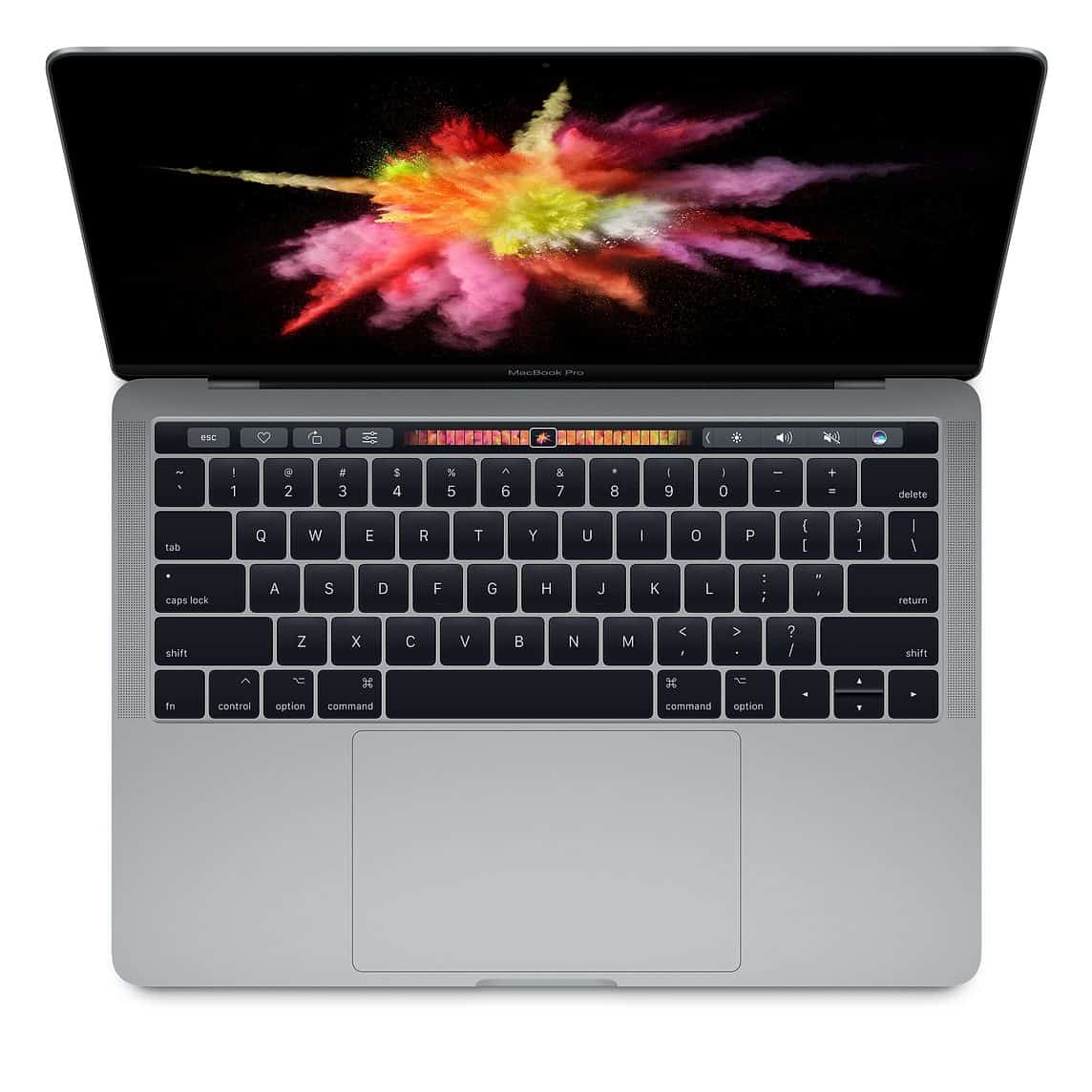
Magic Keyboard (2020+) The improved scissor-switch design offers:
- Better key travel
- More reliable mechanism
- Easier to repair
- Longer lifespan
Common Keyboard Issues
1. Stuck or Unresponsive Keys
- Dust or debris under keys
- Mechanism failure
- Liquid damage
2. Repeating Characters
- Single press registers multiple times
- Contact point degradation
- Controller issues
3. No Backlight
- LED failure
- Flex cable damage
- Logic board issue
4. Physical Damage
- Broken keycaps
- Dented keys
- Impact damage
Butterfly Keyboard: Apple's Free Program
If you have a 2015-2019 MacBook with butterfly keyboard issues, check if it qualifies for Apple's Keyboard Service Program. However:
- Program may have ended for older models
- Limited to specific issues
- May take longer than independent repair
Techfix Alternative:
- Same-day service available
- Competitive pricing
- Quality replacement parts
- 90-day warranty
Keyboard Repair Process
At Techfix Malaysia:
- Free Diagnosis - Identify exact issue
- Quote Approval - Transparent pricing
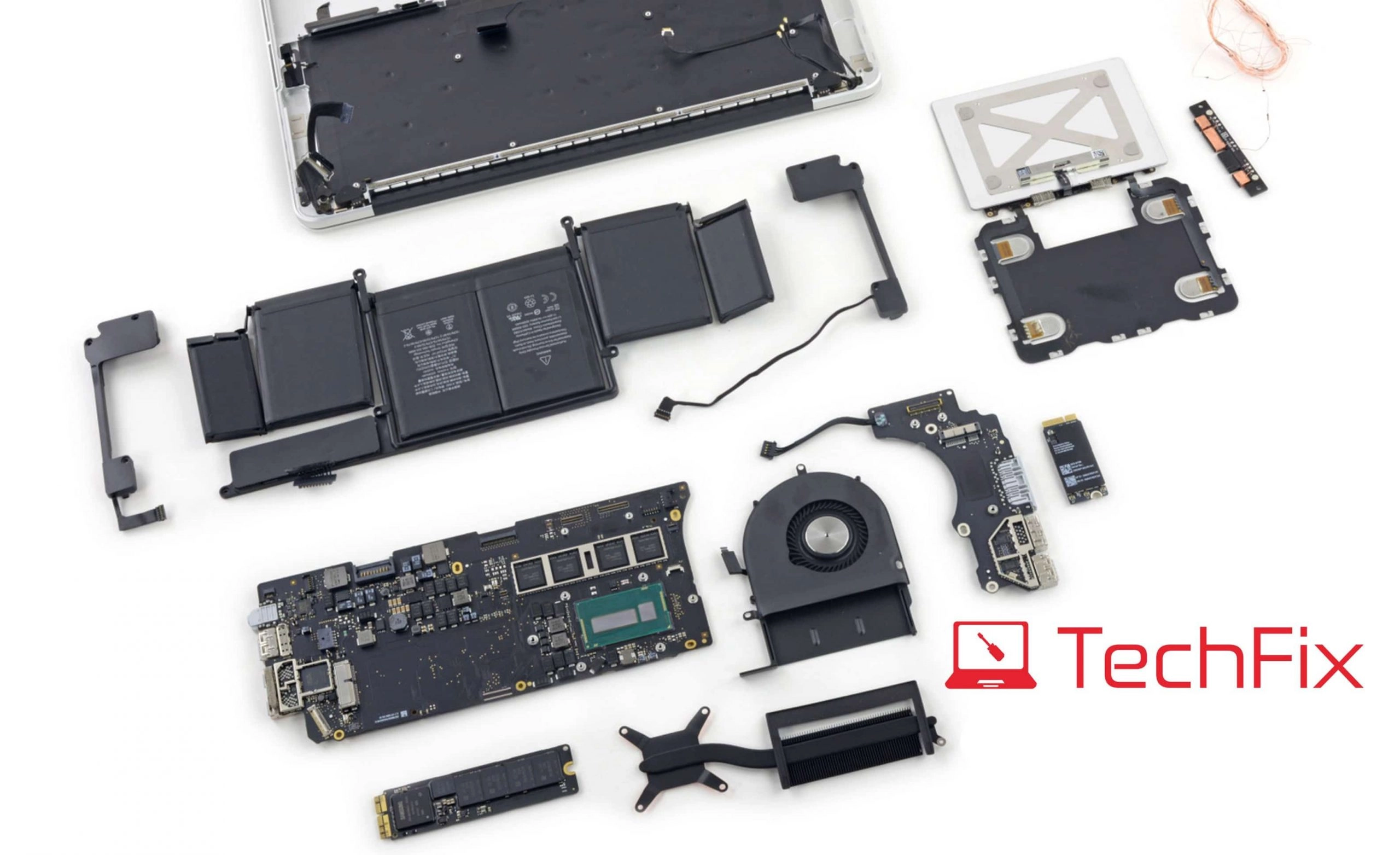
- Top Case Replacement - Keyboard integrated with top case
- Testing - All keys, backlight, trackpad verified
- Warranty - 90-day coverage
Repair Time: 2-4 hours for most models
Preventing Keyboard Problems
For Butterfly Keyboards:
- Use keyboard cover when not in use
- Clean regularly with compressed air
- Avoid eating near laptop
- Don't press keys too hard
For All MacBooks:
- Keep drinks away
- Clean with microfiber cloth
- Use in clean environments
- Close lid when transporting
DIY vs Professional Repair
DIY Risks:
- MacBook keyboard is integrated with top case
- Requires complete disassembly
- Special tools needed
- High risk of additional damage
Professional Benefits:
- Expert handling
- Quality parts
- Warranty protection
- Faster turnaround
Book Your MacBook Keyboard Repair
Get your MacBook typing perfectly again.
📍 Sunway: G-06-28, Level 6, Block G, Sunway Geo Avenue 📍 Cyberjaya: A-G-06, CoPlace 2, Jalan Usahawan 📞 WhatsApp: 017-355 5725
Free keyboard diagnosis available!