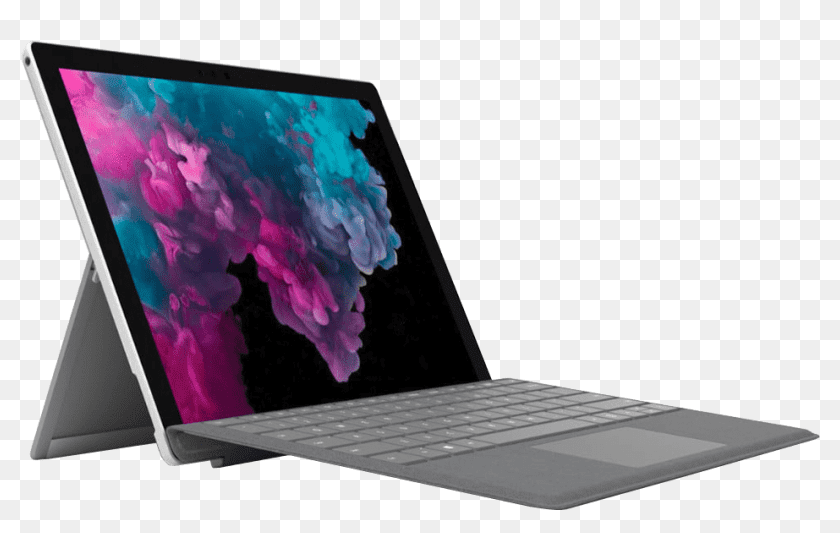
Is your Surface Pro screen lifting or showing yellow spots? You likely have a swollen battery. Why this is dangerous and how we fix it.
Surface Pro Screen Lifting? It's a Battery Time Bomb.
Microsoft Surface devices are fantastic, but they have a fatal flaw: the battery is glued tight behind the screen. When it ages, it produces gas (swells).
The Symptoms
- Screen Separation: The glass is lifting off the metal frame on the left side.
- Yellow Spots: Pressure on the LCD creates yellow bruising.
- Touch Issues: Ghost touches or unresponsive zones.
Why It's Dangerous
A swollen lithium-ion battery is under immense pressure.
- Fire Risk: If the screen glass punctures the soft battery pouch, it ignites immediately.
- Glass Risk: The pressure will eventually crack your RM 800+ screen from the inside out.
The Repair Challenge
Surface Pros are notoriously hard to open. The screen is essentially glued to the chassis. Removing a screen over a swollen battery is extremely difficult without cracking the screen.
Why Techfix? We have specialized heat plates and clamping tools designed to open Surface Pros with a 95% success rate of saving the screen. Note: Many shops refuse Surface repairs because they break the screen. We specialize in them.
Cost Benefit
- New Surface Pro: RM 5,000+
- Battery Replacement: ~RM 450 - RM 550
It is absolutely worth fixing. Once the fresh battery is in, the device often runs like new for another 3-4 years.
Warning: If your screen is bulging, back up your data NOW and bring it in. Do not squeeze it back down.